Release Registry
Release Registry is an online catalog database for music releases, credits, identifiers, links, assets, and artist information.
A NAVE Media product. navemedia.com
About Release Registry
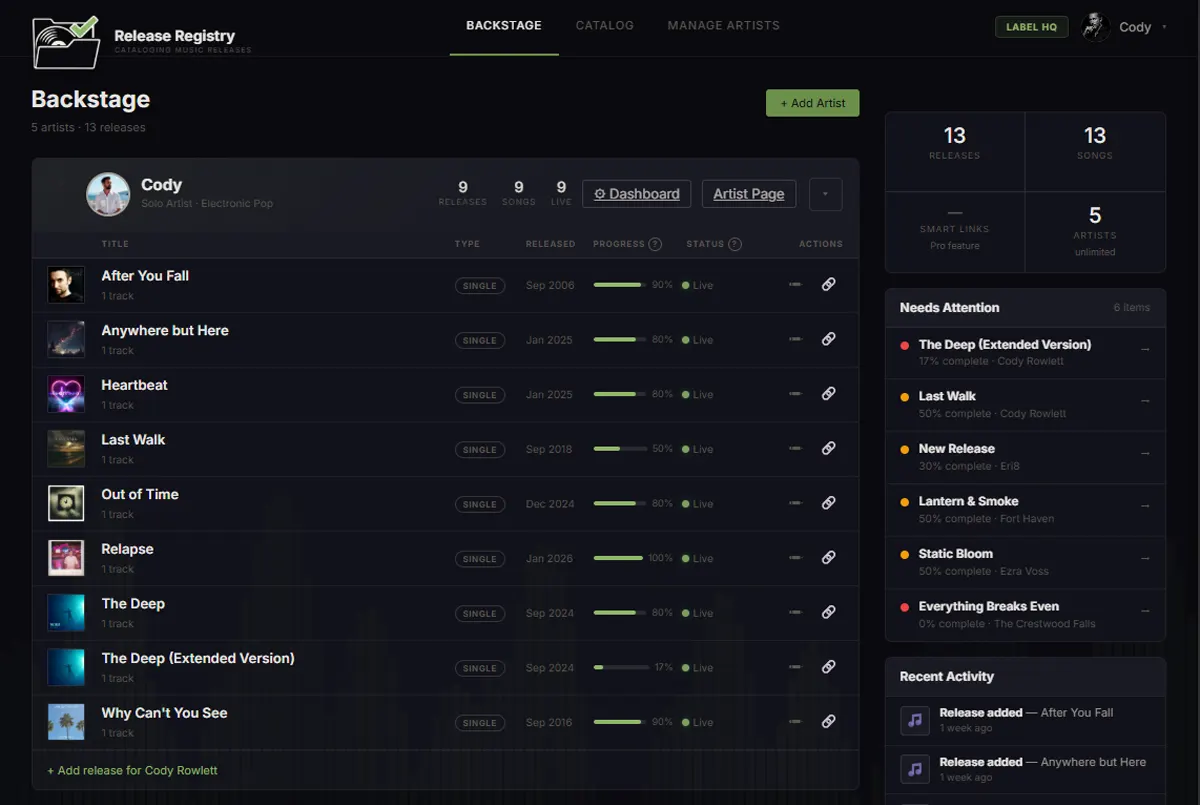
Release Registry is a catalog management platform built for independent artists, managers, and labels. It brings release information, credits, identifiers, streaming links, assets, and artist data together in one organized system, replacing scattered spreadsheets, emails, notes, and distributor dashboards with a single source for catalog information.
Artists and teams can manage their catalog once and use that information throughout Release Registry to create customizable Artist Pages, ReleaseLinks, press resources, QR codes, and other public tools. Automated schema generation helps connect structured catalog information with the wider web, while team and press tracking tools help artists and labels manage more of their release activity from one place.
Release Registry is designed to make music data easier to maintain, reference, share, and present professionally as a catalog grows. By connecting detailed metadata with practical publishing and presentation tools, the platform gives independent artists and labels greater control over the information behind their releases and their digital presence.
Official symbol
The green waveform mark is the primary Release Registry symbol. Use it wherever a single-symbol icon is needed. The black and white marks are utility alternates for when contrast or single-color printing requires them.






Wordmarks
Text-only settings of the name, for places where the symbol is already present or does not fit. The branded treatment sets Release in white and Registry in brand green.













Logo lockups
Symbol and name locked together in fixed relationships. Three families are approved: horizontal flat, horizontal two-line, and stacked. Pick the family that fits the space, then the variant that fits the background.
Horizontal, flat




Horizontal, two-line






Stacked






Brand colors
Release Registry Green is the only brand color. Black and white carry everything else. Select a value to copy it.
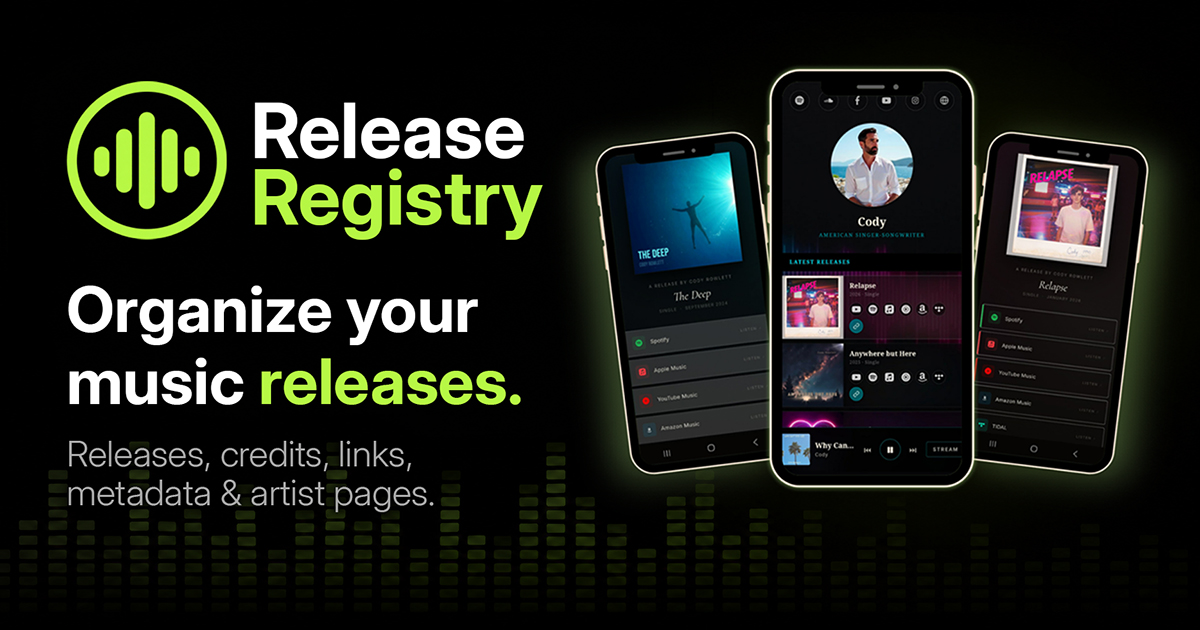
Social and Open Graph
The current approved card used for link previews on social platforms and messaging apps.
Usage
A short list. If something is not covered here, ask.
- Preserve the logo proportions. Scale evenly.
- Do not stretch, skew, or rotate the mark.
- Do not recolor the primary mark. Use the black or white alternates when contrast requires them.
- Maintain clear space around the logo of at least the height of the symbol’s inner waveform.
- Do not place the mark on busy imagery where the waveform loses definition.
- Do not bake a trademark symbol into the mark itself.
Contact
For press, partnerships, or brand asset questions, email hello@releaseregistry.com.